![addy logo.png]](https://learning.addyinvest.com/hs-fs/hubfs/logos%20-%20addy/addy%20logo.png?height=40&name=addy%20logo.png)
To add a user to your account, follow the below steps:
- Click on the addy logo in the top of addy Business
- Click on the gear next to your account name

- Click manage users
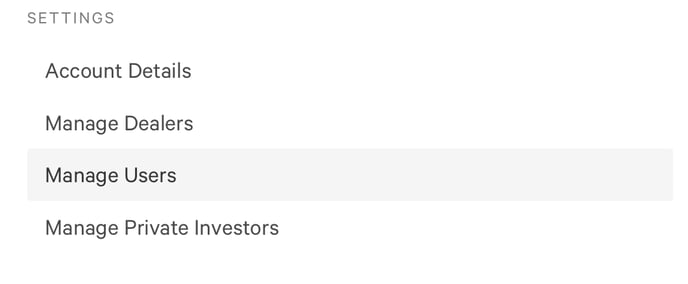
- Click invite user

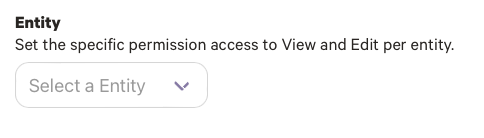
5. Input the user's email address, and Select the entity you'd like to add permissions for
6. Select which pages and tools you'd like this user to be able to View/Edit
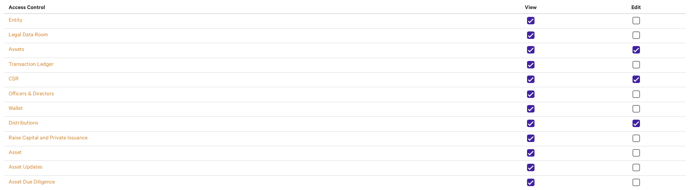
7. Click save